Actions
During the lesson you will have to perform various activities. Below is a description of each action available on the Aidar.Skills platform.
Pick up
Pick up one or more items.
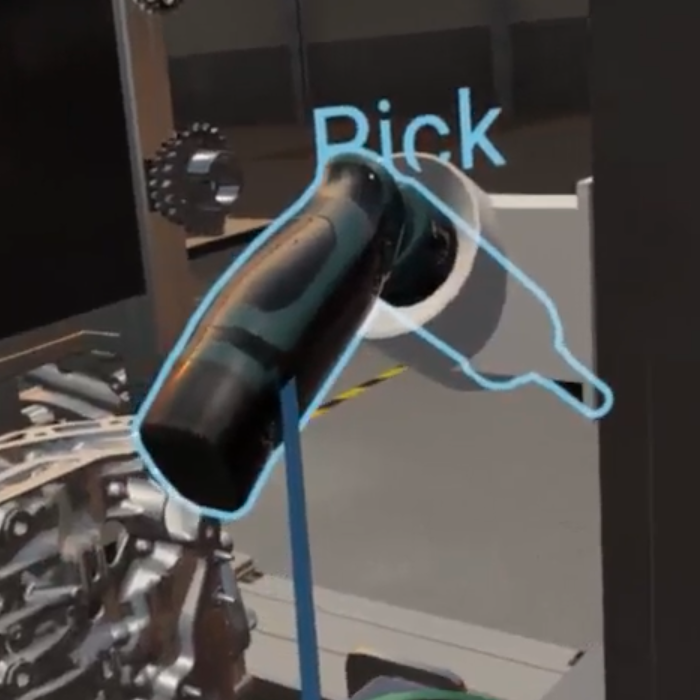
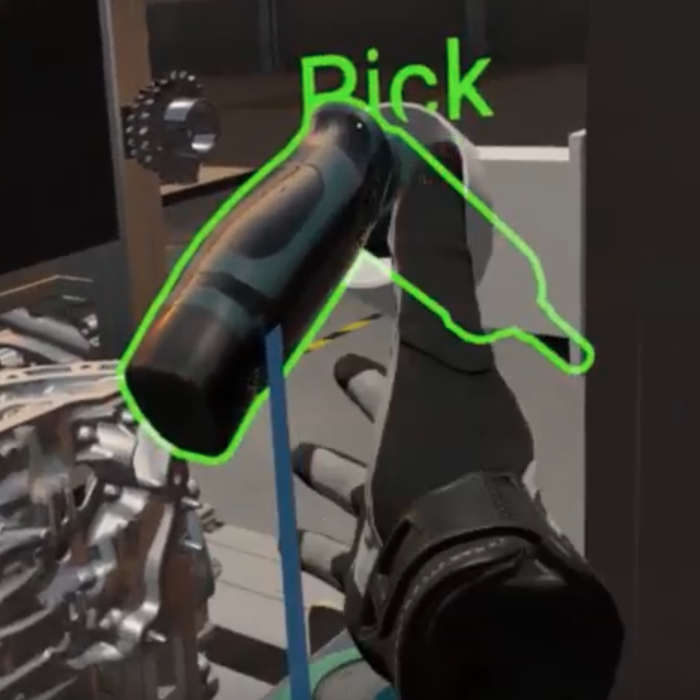
You will see a blue border around the active object(s) and the outline subtitle "Pick" (if you don't see outline subtitles, make sure you have enabled this option in the wristwatch menu). Reach with your hand for the highlighted item. The border will turn green. Use the trigger to place the item in your hand.
Tip
If you pick up more than one object, look at the hand you picked them up with. You will see a preview and the number of items you are holding.
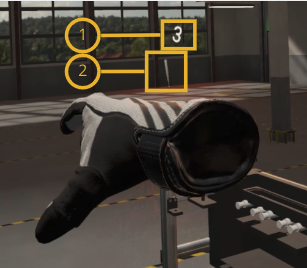
(1) Number of items in hand
(2) Preview of items in hand
Use tool
Use a tool at the indicated location.
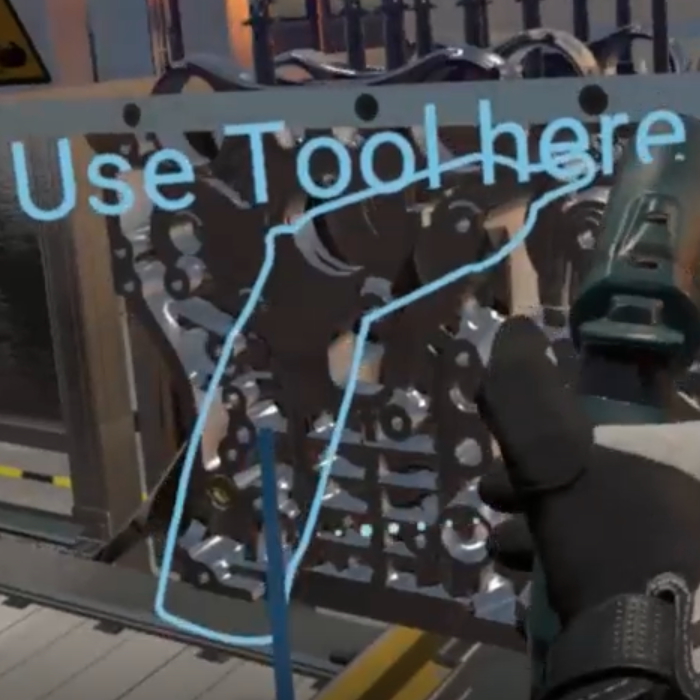
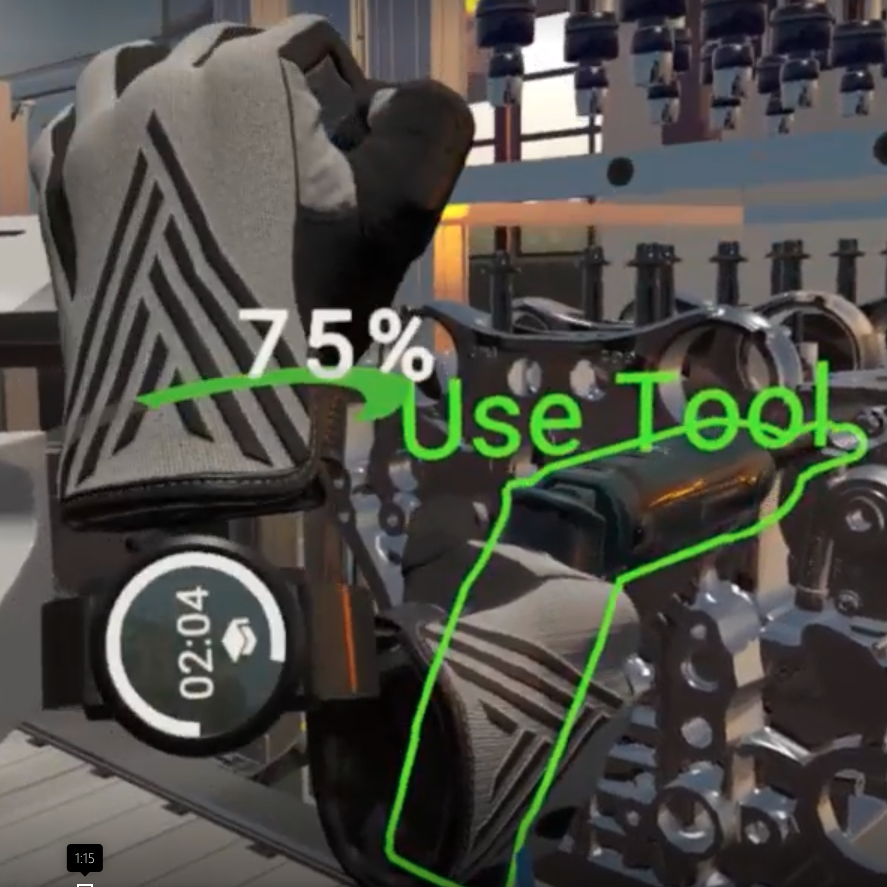
You will see a blue outline of the tool you need to use and the text "Use tool here". Fit the held tool into the outline. The border will turn green and the text will change to "Use tool". Press and hold the trigger to perform the action. The progress bar (1-100%) on your wrist will indicate how long you need to hold the trigger.
Release
Release the object(s) held in your hand.
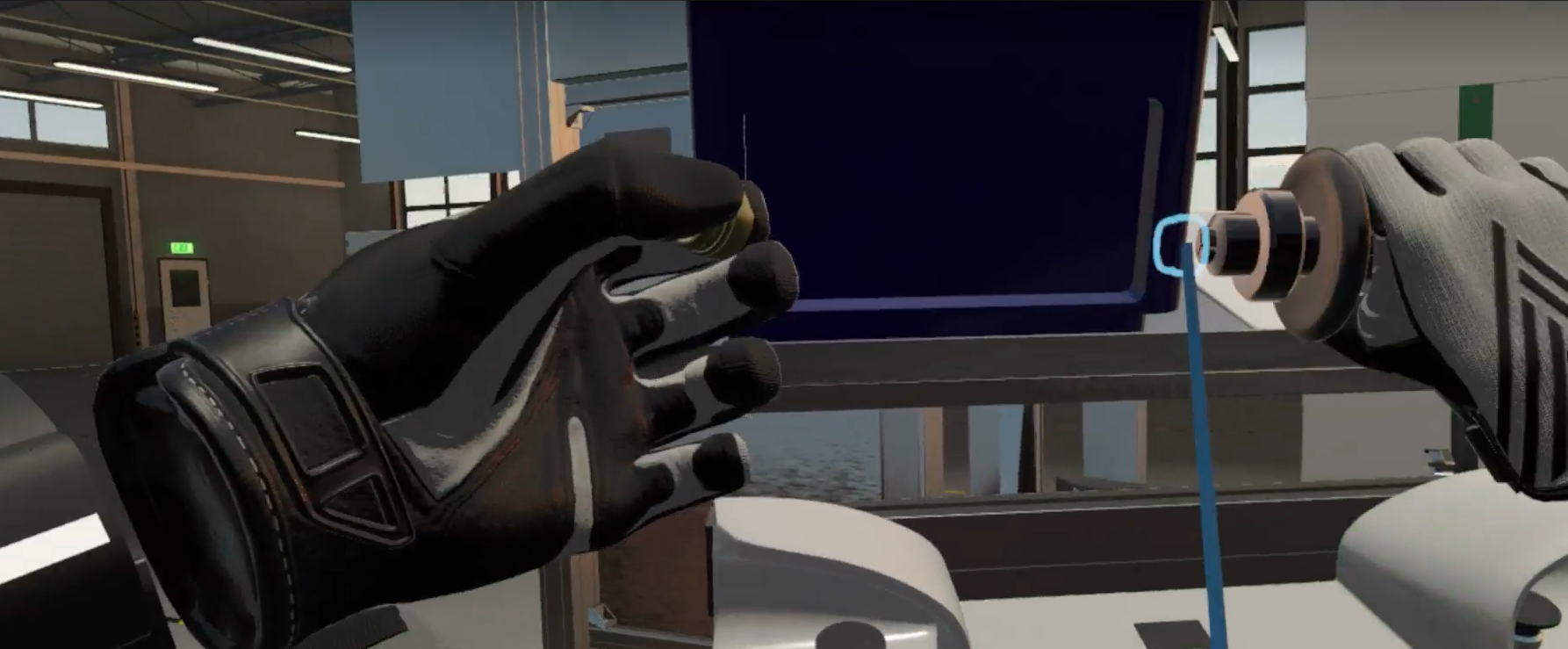
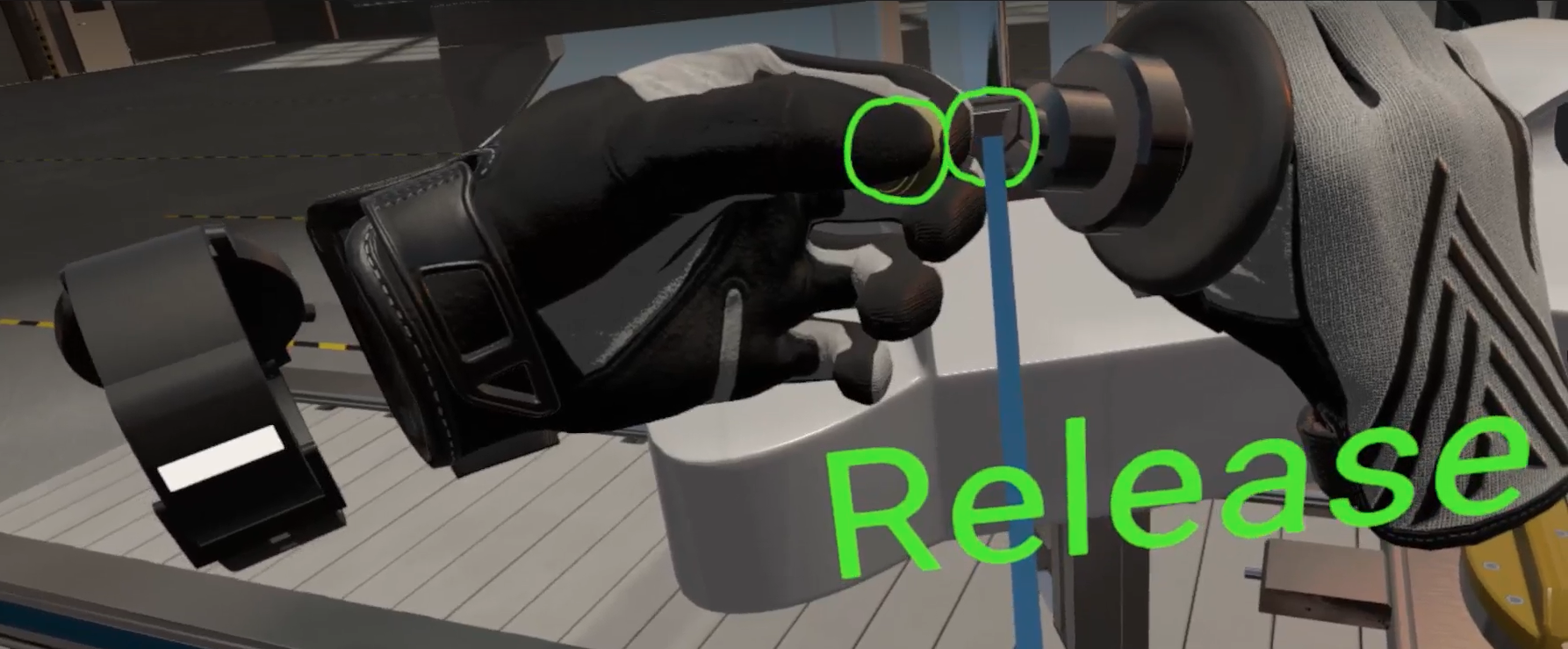
You will see a blue outline showing where the object should be placed. Match the object to the outline. The outline will turn green. Release the object from your hand using the trigger.
Click
Press, push or touch an object.
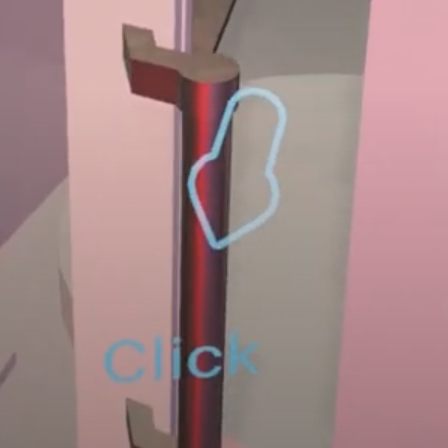
You will see a blue arrow and the word "Click" indicating the spot you need to touch. Bring your hand closer and press the indicated spot using the trigger.
Look at
Look at the indicated place for a certain amount of time.
If the arm instructions tell you to look at an object, you will see a blue arrow indicating the location. The object will have a blue border. If you look at the indicated place for the required duration, a progress bar (1-100%) will appear.
Hit
Strike an object with your hand or a tool.
If the arm instructions tell you to hit an object, you will see a blue border on the target object. Bring the tool or hand to the hit zone and perform the strike.
Scan
Scan a barcode or QR code.
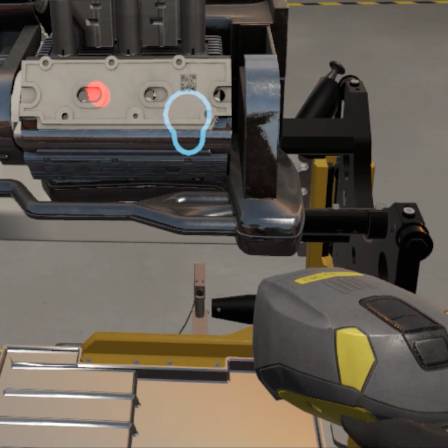
While holding the scan tool, point the red beam of the scanning device towards the location indicated by the blue arrow. Use the trigger to scan.
Sweep
Perform a sweeping motion on an object.
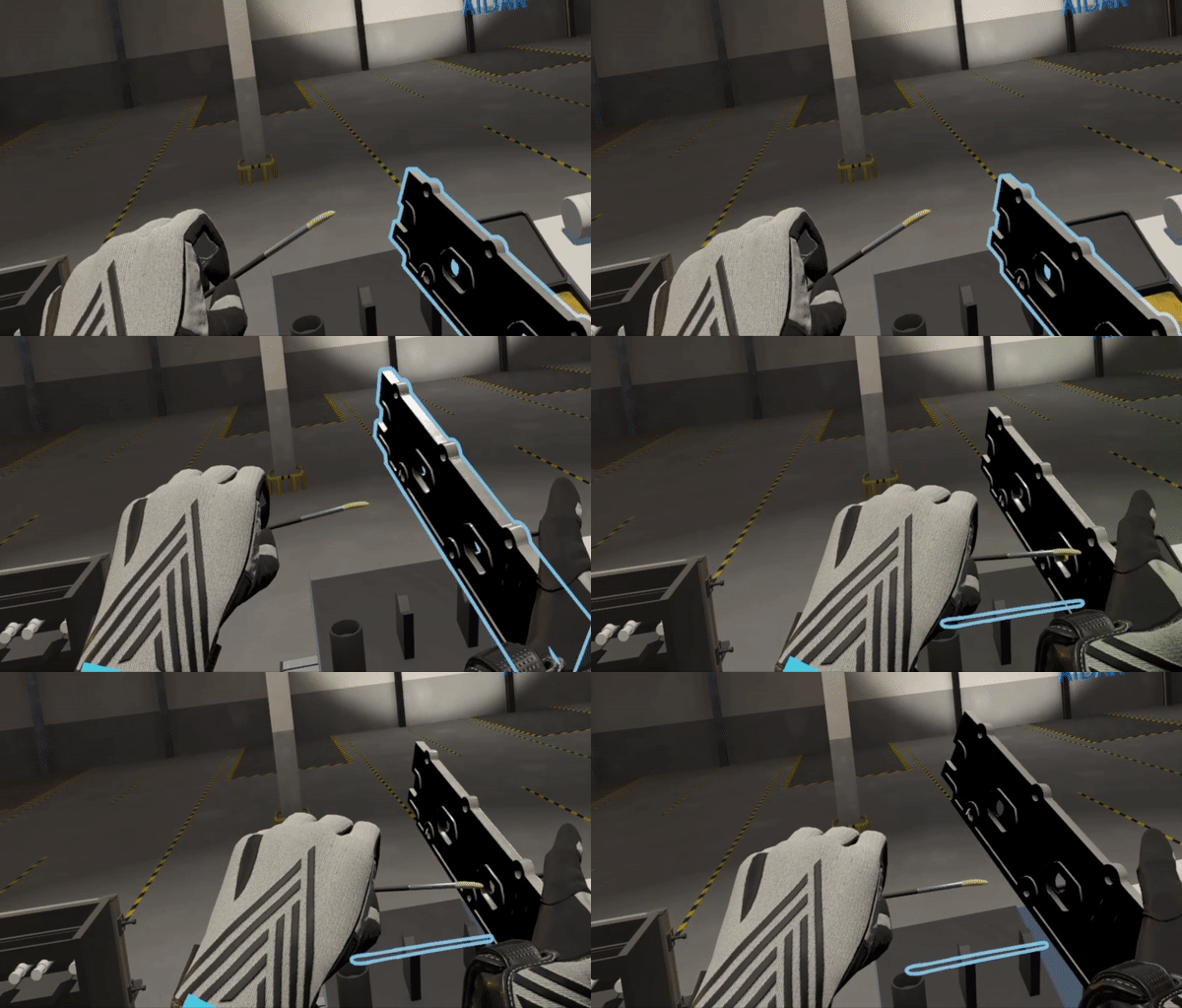
Make a sweeping motion on the object highlighted in blue. You may need to perform the sweep with a tool (such as a brush).
Note
The direction and motion of sweeping may vary between exercises. The arm instructions will describe how to perform the movement. More about arm instructions here.
Rotate
Rotate an object.
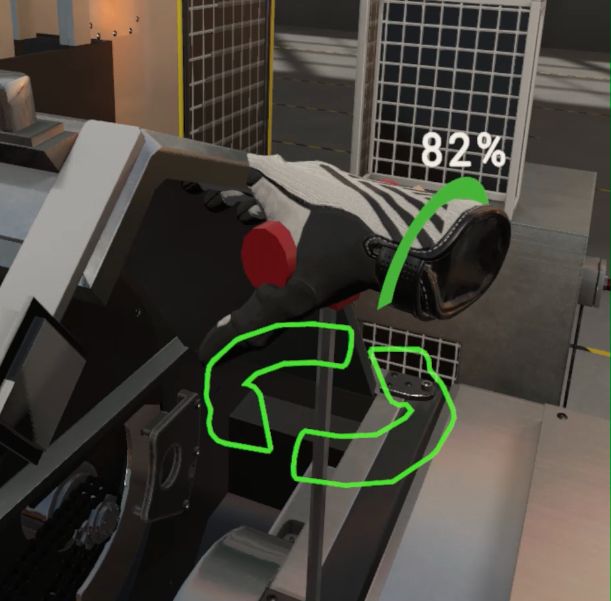
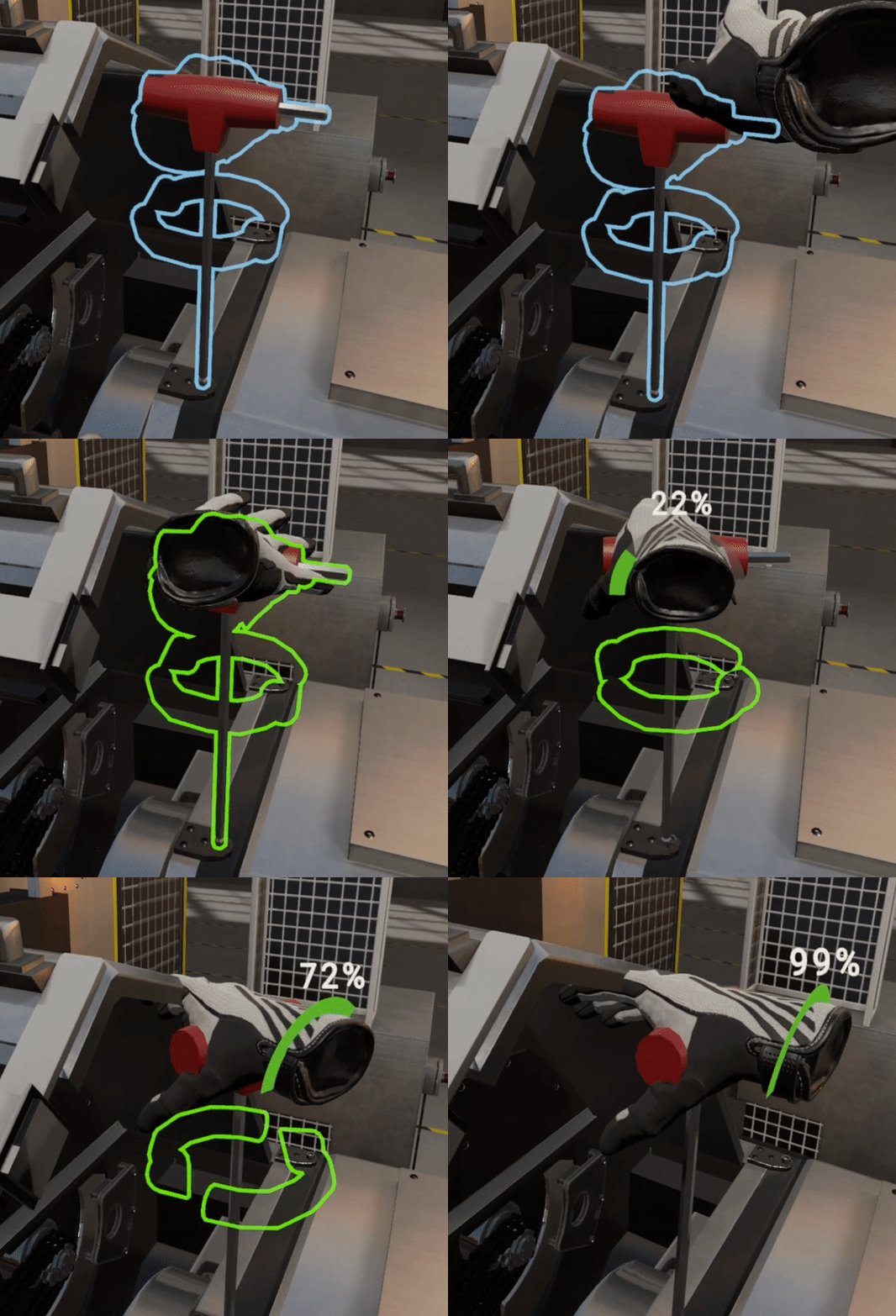
The object you need to rotate will have blue borders and arrows indicating the direction of rotation. Use the trigger to grab and hold the object, then rotate in the direction indicated by the arrows. The progress bar shows the percentage of rotation completed.
Note
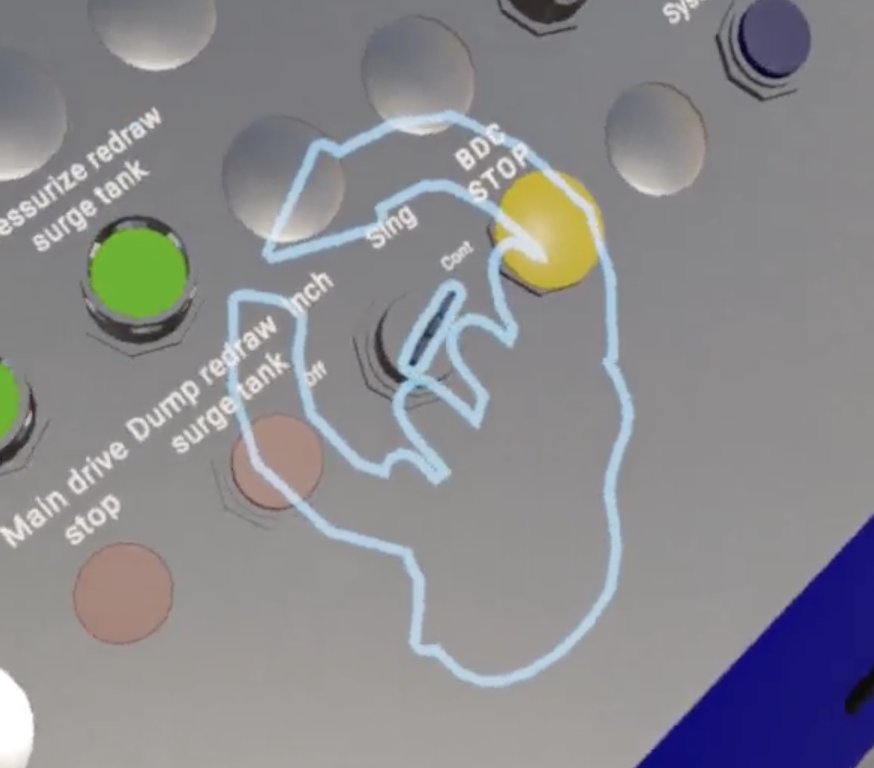
For some actions, an additional hand hologram will appear showing the exact angle at which you should grab the item. Match your hand to this hologram and use the trigger to grab the object.
Hold
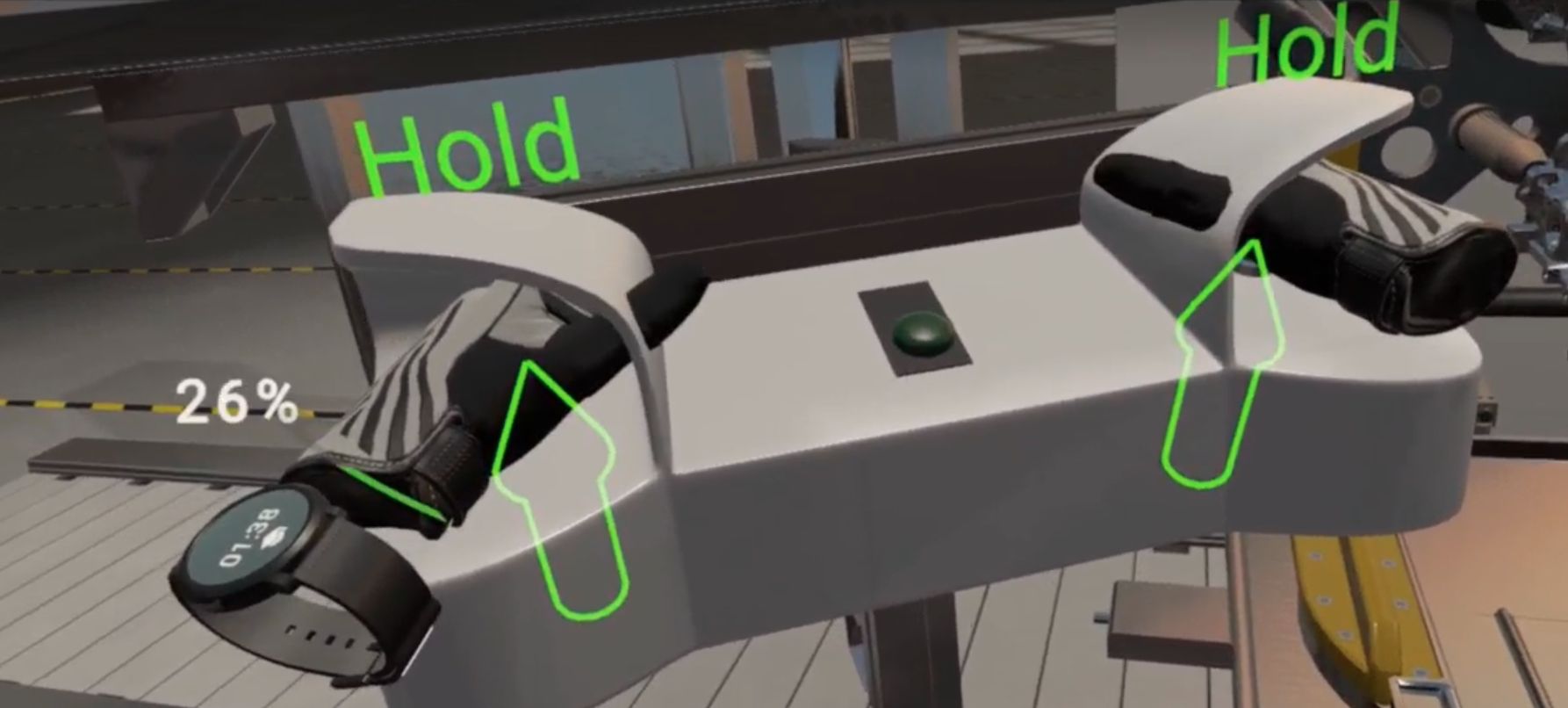
Grab and hold an object for a specified period of time.
The object will have a blue border and the word "Hold". Grab the object using the trigger and hold. The progress bar (1-100%) on your wrist will indicate how long you need to hold.
Move
Move an object from one location to another.
The object will have a blue border. Pick it up and move it to the target position shown by the blue outline. The outline will turn green when the object is correctly positioned.
Wait
Wait for the specified duration. The progress bar will show the remaining time. No interaction is required.
Check
Inspect an object for a specified duration. Look at or interact with the highlighted object until the progress bar completes.